One of the most common issues developers face when building a login system in PHP is users being able to press the back button after logging out and still seeing the dashboard or other protected pages. This happens because browsers often cache pages, so even without an active session, the back button shows the previously […]
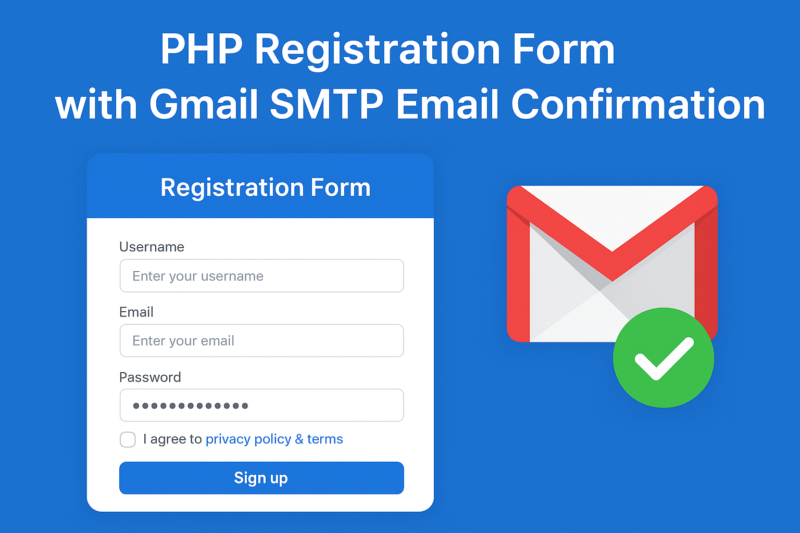
Building a secure and user-friendly registration system is one of the most common requirements in web development. In this tutorial, we’ll create a registration form in PHP that: Accepts username, email, and password Validates for unique username and email Stores passwords in a secure hashed format Sends a confirmation email using Gmail SMTP with PHPMailer […]

A secure and stylish login dashboard is one of the most essential components of any web application. Whether you’re building an admin panel, school management system, e-commerce backend, or a personal project, having a professional login system with a responsive dashboard can save you both time and effort. In this article, we’ll discuss how you […]
Creating a professional website for your technology startup, mobile app, or software business is now easier than ever with the Technology Apps WordPress Elementor Template Kit. This ready-to-use kit helps you build a sleek, responsive, and modern website without writing a single line of code. The best part? It’s available for free download. Why Use […]
If you’re running a hospital, clinic, healthcare center, or medical practice, having a professional website is essential. With the Health Medical WordPress Elementor Template Kit, you can easily create a modern, responsive, and trustworthy website without any coding skills. The best part? It’s available for free download. Why Use a Health Medical Template Kit? Healthcare […]
If you’re looking to create a professional business website quickly and without coding, an Elementor Template Kit can save you both time and money. The Business Services Elementor Template Kit is designed especially for companies, agencies, consultants, and service providers who want a clean, modern, and responsive website. Best of all—it’s available for free download. […]

Artificial Intelligence (AI) is no longer just about chatbots and smart recommendations. Today, AI agents are reshaping the way we work—automating tasks, reasoning through decisions, and collaborating like digital teammates. If you’re looking to create AI-powered agents for business or personal productivity, a growing number of platforms make it possible without heavy coding knowledge. In […]

If you’re running a travel agency or planning to launch a website to showcase tour packages, holiday deals, and destination guides, Car Rentals, Tracking Packages , then the Travel Agency Elementor Template Kit is exactly what you need. This free download will help you create a stunning, professional, and user-friendly travel website without writing a […]
I’ll show you how to make this Bootstrap form send emails using SMTP. We’ll do this in PHP with PHPMailer, because: It’s reliable Supports SMTP authentication Works with Gmail, Outlook, and custom mail servers Install PHPMailer You can either: Via Composer (recommended) composer require phpmailer/phpmailer Or download from: PHPMailer GitHub and include it manually. HTML […]
To upload (restore/import) a MySQL database backup via the command prompt (CLI), you can use the mysql command-line utility. Here’s how: You must follow these requirement You must have a MySQL backup file (e.g., backup.sql) MySQL server should be installed and running You should have credentials for the MySQL user If you are working with […]